Handwriting, typing, or talking it out? Teach all three
Here is something I see all the time. A student who can't handwrite or spell well gets a keyboard or a microphone, and suddenly writes something just as strong as their classmates, sometimes stronger. Good writing is good thinking. When the handwriting gets out of the way, the thinking shows up.
So I don't pick one tool. I teach all three, and let each student find their favorite. Each one teaches something.
1. Handwriting: Handwriting Without Tears®
Keep building automatic handwriting in both print and cursive. Pick the workbook by skill level, not grade:
- Kindergarten level: Letters and Numbers for Me
- Grade 1 level: My Printing Book
- Grade 2 level: Printing Power, or Cursive Kickoff to start cursive
- Grade 3 level: Cursive Handwriting
- Grade 4 level: Cursive Success
- Grade 5 level: Can-Do Cursive
- Grade 6 and up: Cursive and Beyond
2. Typing: typing.com
It's free. A few minutes of keyboarding practice a day builds the digital skills every student needs for school and for life.
3. Talking it out: Google Docs voice typing
Teach this on purpose, the same way you teach anything else. In Google Docs on Chrome, click Tools, then Voice typing, then the microphone. Show your student how to say "period," "comma," and "new paragraph." Then have them read it back and fix it.
Where it fits
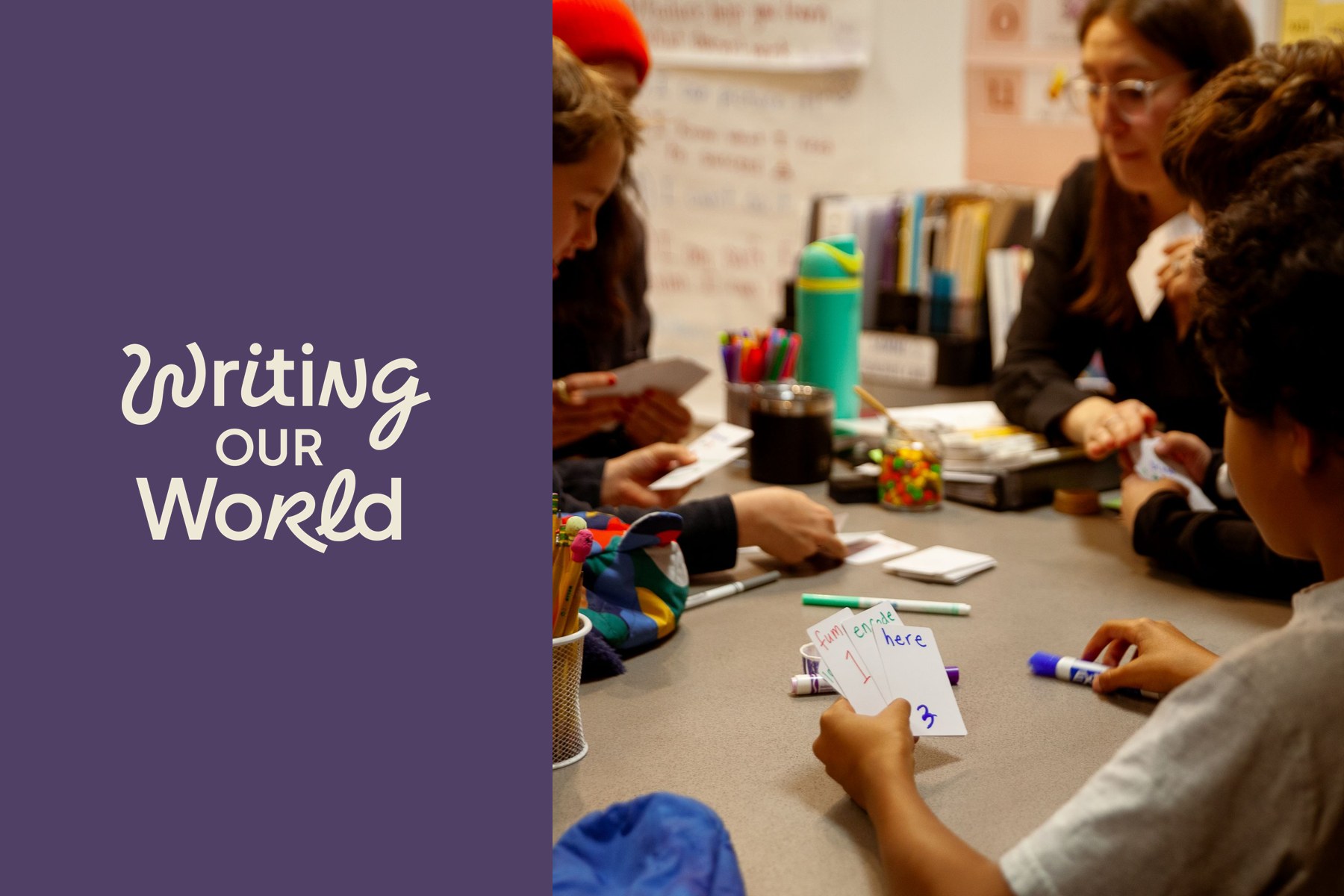
Writing Our World® teaches the thinking: the sentence, the paragraph, the essay. Use any of these three tools for the free write at the end of each lesson. Over time, rotate through all of them.
Start for free, or email me at [email protected].
Kait Feriante, creator of Writing Our World® by Redwood Literacy